Use these tools to monitor device activity, configure device settings, and run hardware diagnostics.
Logs
Use the Logs tab to monitor device activity in real time. Each entry shows a timestamp, log level, source, and message. Use the filter buttons at the top to show or hide specific levels.
Device Settings
- Device Name: a human-readable name for the device.
- Time Source: the clock source used for timestamps: Steady Clock, Sample Counter, or Unknown.
- FPGA Clock Frequency (Hz): the base clock frequency for the device's FPGA.
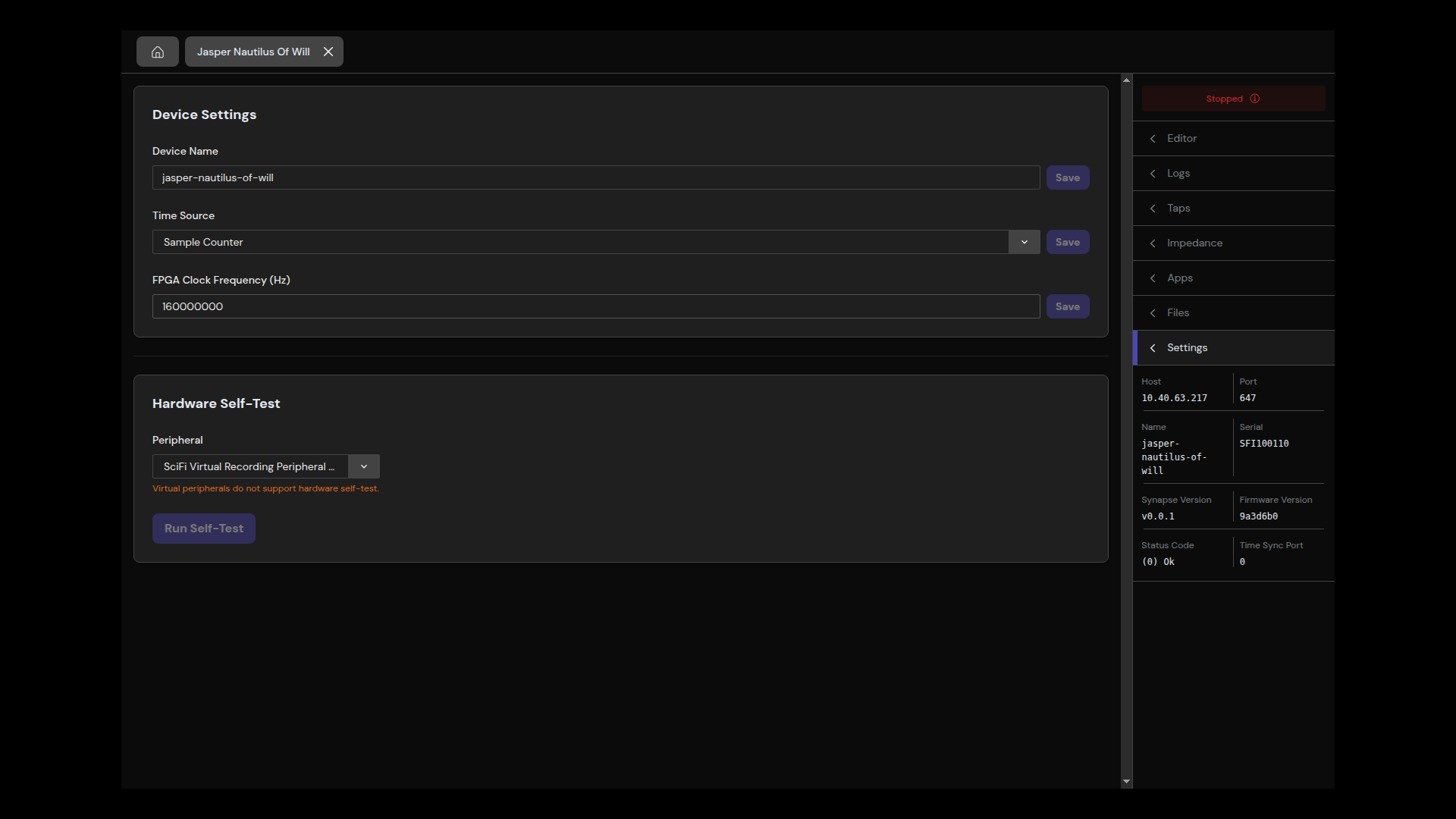
Hardware Self-Test
The self-test runs diagnostic checks on a selected peripheral.
- Select a peripheral from the dropdown. Virtual peripherals are excluded.
- Select Run Self-Test.
- Results appear in a table showing the test name, pass/fail status, and a report message for each test. An overall status badge indicates whether all tests passed.
Note: Self-tests cannot run while the signal chain is active. Stop the device first.