The Synapse Headstage GUI is a desktop client for discovering, configuring, and operating Synapse devices. It provides a visual signal-chain editor, live Tap viewers, device file access, application deployment, logs, settings, hardware tests, and impedance measurements.
Install
Download the installer for your operating system. The application is supported on Windows 10+, macOS Ventura (13.0)+, and Ubuntu 20.04 LTS+.
Loading the latest release…
Discover Devices
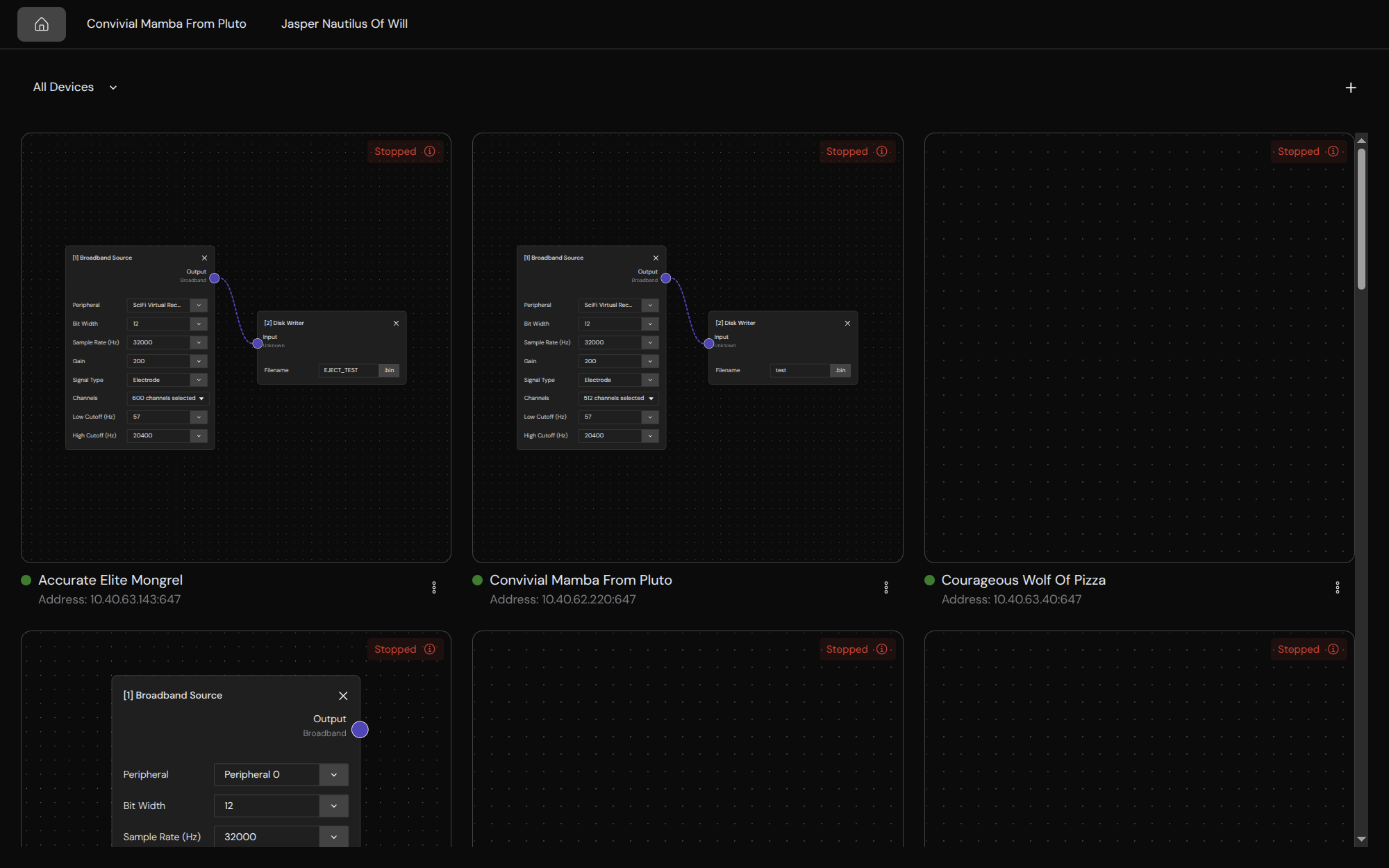
The home page automatically discovers Synapse devices on the local network. Each available device card shows its address, serial number, device state, and current signal chain. Device information refreshes periodically.
Select an available device to open its workspace. An unavailable device remains visible but cannot be opened until the GUI can reach it again.
Add a Device Manually
If automatic discovery does not find a device:
- Select Add Device.
- Enter the device IP address or hostname.
- Enter its Synapse API port if it does not use the default port,
647. - Select Add.
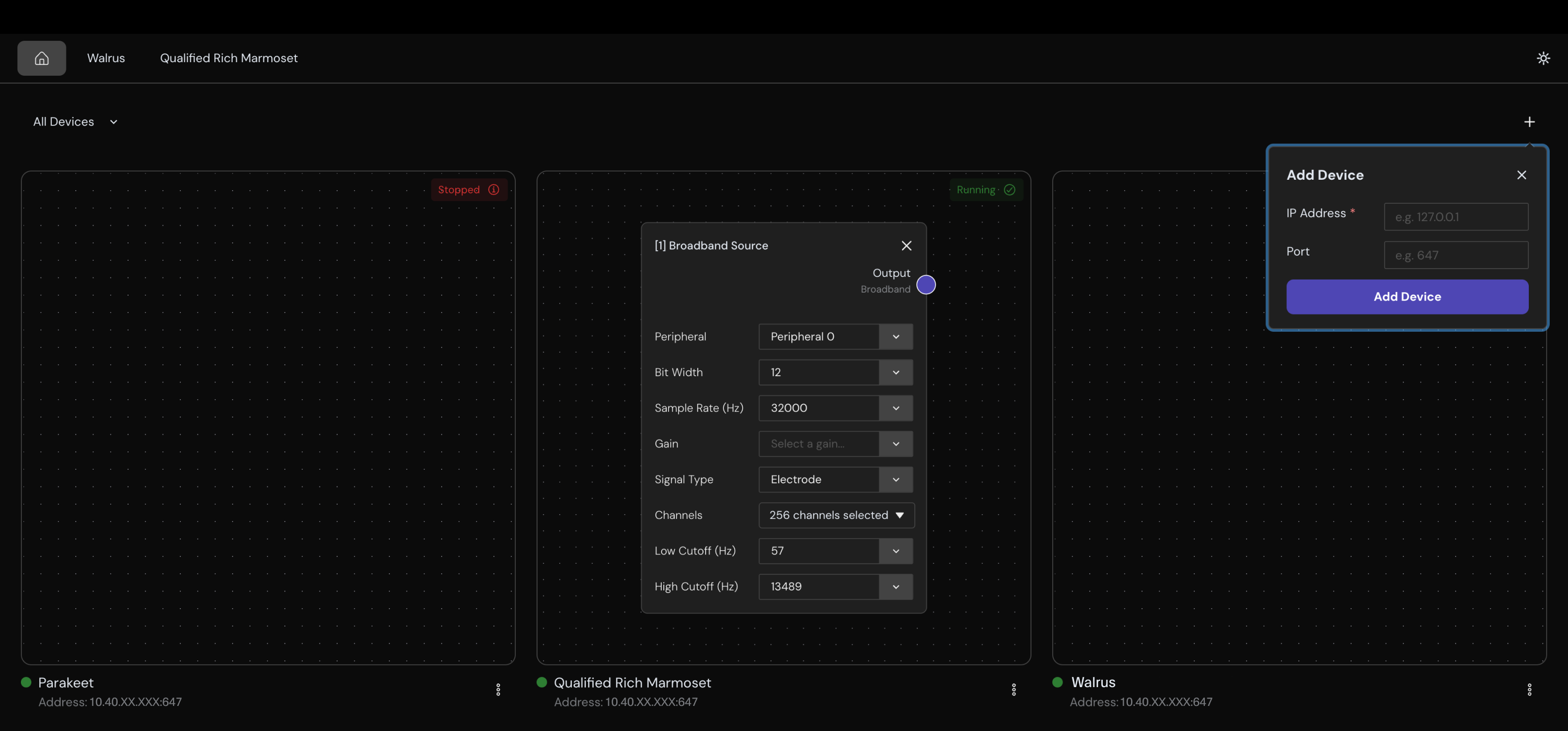
The GUI accepts IPv4 addresses, localhost, and .local hostnames. It calls Info to verify the device before adding it.
The GUI accepts IPv4 addresses, localhost, and .local hostnames. It calls Info to verify the device before adding it.
Filter and Remember Devices
Use the device filter to show:
- All Devices
- Available Devices
- Unavailable Devices
- Forgotten Devices
Use a device card's menu to select Forget Device or Remember Device. Forgetting a device only hides its saved entry from the normal device lists; it does not modify or reset the device.